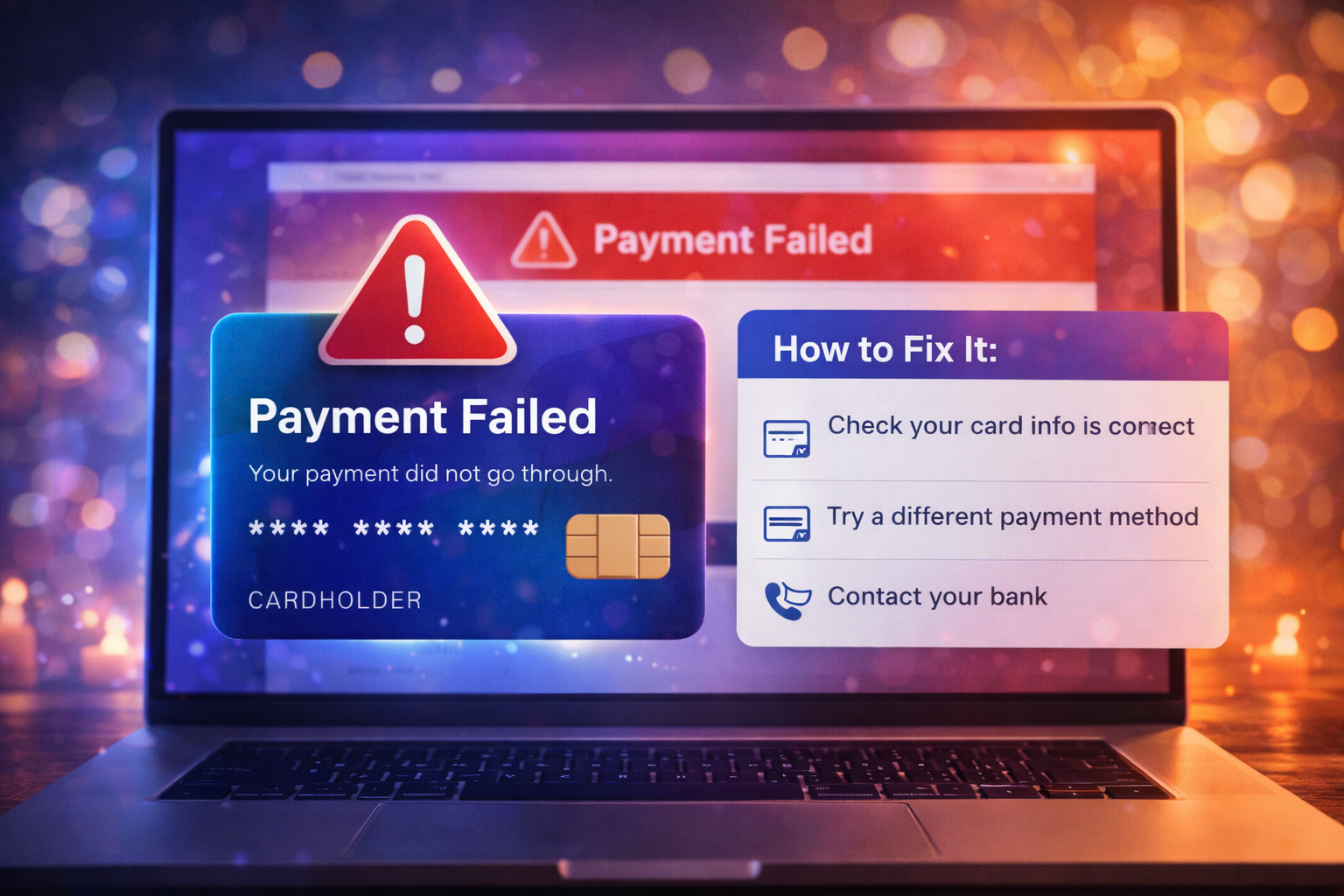
Ticketmaster Payment Failed: 7 Fixes That Actually Work
2026-03-11


When Ticketmaster declines your card, the problem is not always that the card is bad or out of funds. Declines can come from bank fraud filters, billing mismatches, browser problems, repeat checkout attempts, or a broken account session. Because high-demand ticket sales move fast, buyers often retry too quickly and end up compounding the issue.
The safest approach is to diagnose the likely cause before submitting another payment attempt.
Even small mismatches in ZIP code, street formatting, or cardholder name can trigger a decline.
High-value ticket purchases, especially out-of-pattern spending, can trigger fraud protection.
Repeated checkout retries can look risky to both the bank and the platform.
Old cookies, broken scripts, or checkout conflicts can stop a valid card from processing correctly.
Proxy tools or network anomalies can make the transaction look less trustworthy.
Use this order:
Do not keep guessing and resubmitting. You can create multiple temporary holds without getting tickets.
Autofill errors are common. Type the billing information carefully instead of relying on saved browser fields.
Ask whether the attempted charge was blocked for fraud or security reasons. If it was, have them note the merchant and amount, then retry once.
Incognito mode can remove the broken browser state that sometimes causes repeated payment failures.
Ticketmaster and some banks may be more likely to reject or scrutinize transactions that appear to shift location.
If the bank confirms the first card is the issue or if the platform still fails, use one alternate card. Do not rotate through five cards in panic.
Avoid these common mistakes:
A pending authorization only means the bank temporarily recognized the attempt. It is not the same as a completed ticket order.
Yes. During heavy onsales, Ticketmaster can produce checkout and payment errors that look like card declines. That is why you should always consider both sides:
If multiple valid cards fail in a clean browser session, the platform may be part of the problem.
Reach out if:
Prepare:
The best prevention is boring but effective:
If Ticketmaster keeps declining your card, do not treat every failed attempt as proof you need to click faster. Most checkout problems improve when you slow down long enough to verify billing details, confirm bank approval, clean up the browser session, and retry once in a controlled way.
That approach gives you the best chance of solving the real problem without creating a chain of pending holds and broken orders.
When a ticket platform problem appears, buyers usually lose the most time by jumping between random fixes. Use a controlled checklist instead:
That process is usually safer than repeated clicks, constant refreshes, or switching between multiple devices.
Support moves faster when you can explain the issue precisely. Save the event name, venue, timestamp, screenshot of the message, and the last four digits of the payment method if billing is involved. If your bank shows a pending or posted charge, note the amount and time as well.
Precise documentation matters because many ticket-platform problems involve session state, order timing, or pending authorizations that are hard to reconstruct later.
The best long-term prevention is account hygiene. Keep one current payment method on file, sign in before the sale begins, avoid heavy privacy extensions during checkout, and use one browser session instead of several. Those habits will not eliminate every issue, but they remove many buyer-created problems that make platform failures harder to fix.
If the same platform error keeps appearing after one clean retry, repeated clicking usually lowers your odds instead of raising them. At that point, it is safer to check for order confirmation, document the issue, and switch to support or a later retry window. Controlled troubleshooting protects both your payment method and your account history.
If you are having trouble purchasing tickets online, comparing resale listings, or dealing with confusing checkout errors, our team at USA Tickets Exchange can help.
We regularly assist customers with finding available seats, navigating ticket marketplaces, and securing tickets for high-demand events.
If you would rather have a real person help you through the process, contact our team and we will guide you through booking your tickets safely.

