
SeatGeek Payment Failed: How to Fix Checkout Problems
2026-03-11

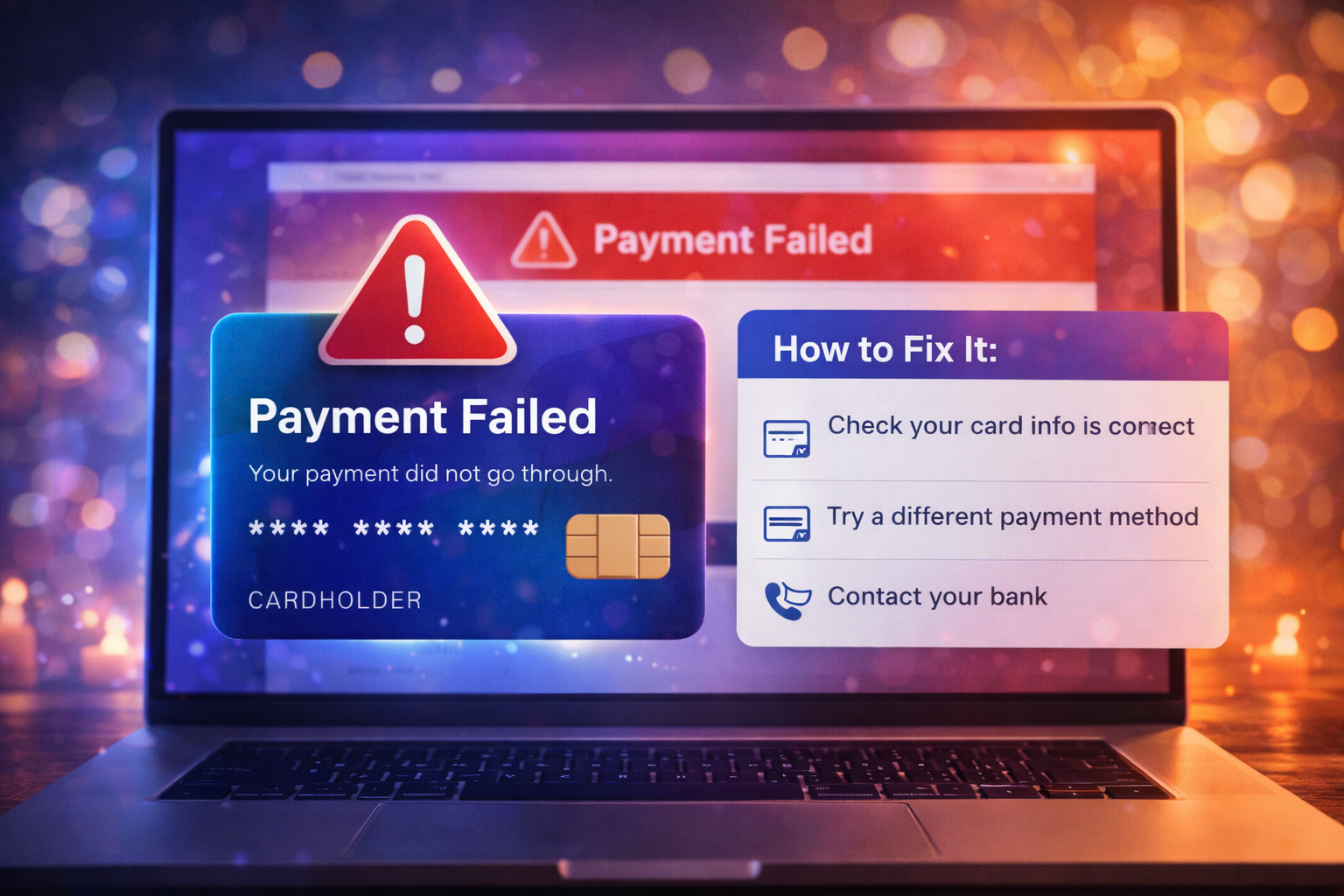
If Ticketmaster payment failed during checkout, the error may not be as simple as “your card did not work.” Ticketmaster checkout breaks for several different reasons, including session expiration, billing mismatches, bank-side fraud controls, and inventory loss during the final steps.
That is why random retrying often makes the problem worse. Buyers panic, resubmit the purchase, and then end up with duplicate pending holds or a second failed order attempt.
This guide focuses on seven fixes that actually work.
Before jumping into the fixes, it helps to know the main causes:
Once you know those failure points, the fixes make more sense.
One of the most common Ticketmaster payment problems is a mismatch between the card issuer’s billing data and what you entered.
Check:
Even a small mismatch can trigger failure on a large purchase.
Do not attempt checkout in multiple tabs. Use one logged-in session and close confusing duplicates. Ticketmaster handles high-demand traffic poorly when the user has several overlapping cart or checkout states.
If the session seems broken:
Many “Ticketmaster payment failed” errors are actually card-issuer rejections. The bank may block the purchase because:
If you are buying expensive tickets, a quick issuer confirmation can help.
If you keep submitting payment over and over, you increase the risk of:
A clean retry is better than five panicked retries.
Sometimes the issue is not the card. It is the environment.
Try:
This helps if the failure is caused by cached scripts, extensions, or browser-side session corruption.
A payment failure can be a misleading label. In fast onsales, the tickets may disappear before the transaction fully completes. That creates a checkout error that feels like a payment issue even though the real problem is seat availability.
Signs this is happening:
If inventory is the issue, changing cards may not help at all.
This is one of the most important fixes. A failed-looking screen can still leave behind:
Before retrying:
That helps you avoid accidental duplicate purchases.
Sometimes the card shows activity even though the order did not appear correctly. In many cases, the charge is only a pending authorization hold.
Use this approach:
Do not automatically file a charge dispute before confirming whether the ticket order still exists.
You can reduce future failure risk by preparing before sale time:
The less decision-making you do during checkout, the better.
If checkout fails, avoid risky shortcuts:
Frustrated buyers are easier to scam. Keep the process protected.
Ticketmaster payment failed errors can come from billing, browser state, bank security, or inventory loss. The best fix is not blind speed. It is a controlled reset of the checkout path.
Use this simple order:
Those seven fixes will solve most Ticketmaster payment failures more effectively than repeated random attempts.
If you are having trouble purchasing tickets online, comparing resale listings, or dealing with confusing checkout errors, our team at USA Tickets Exchange can help.
We regularly assist customers with finding available seats, navigating ticket marketplaces, and securing tickets for high-demand events.
If you would rather have a real person help you through the process, contact our team and we will guide you through booking your tickets safely.

