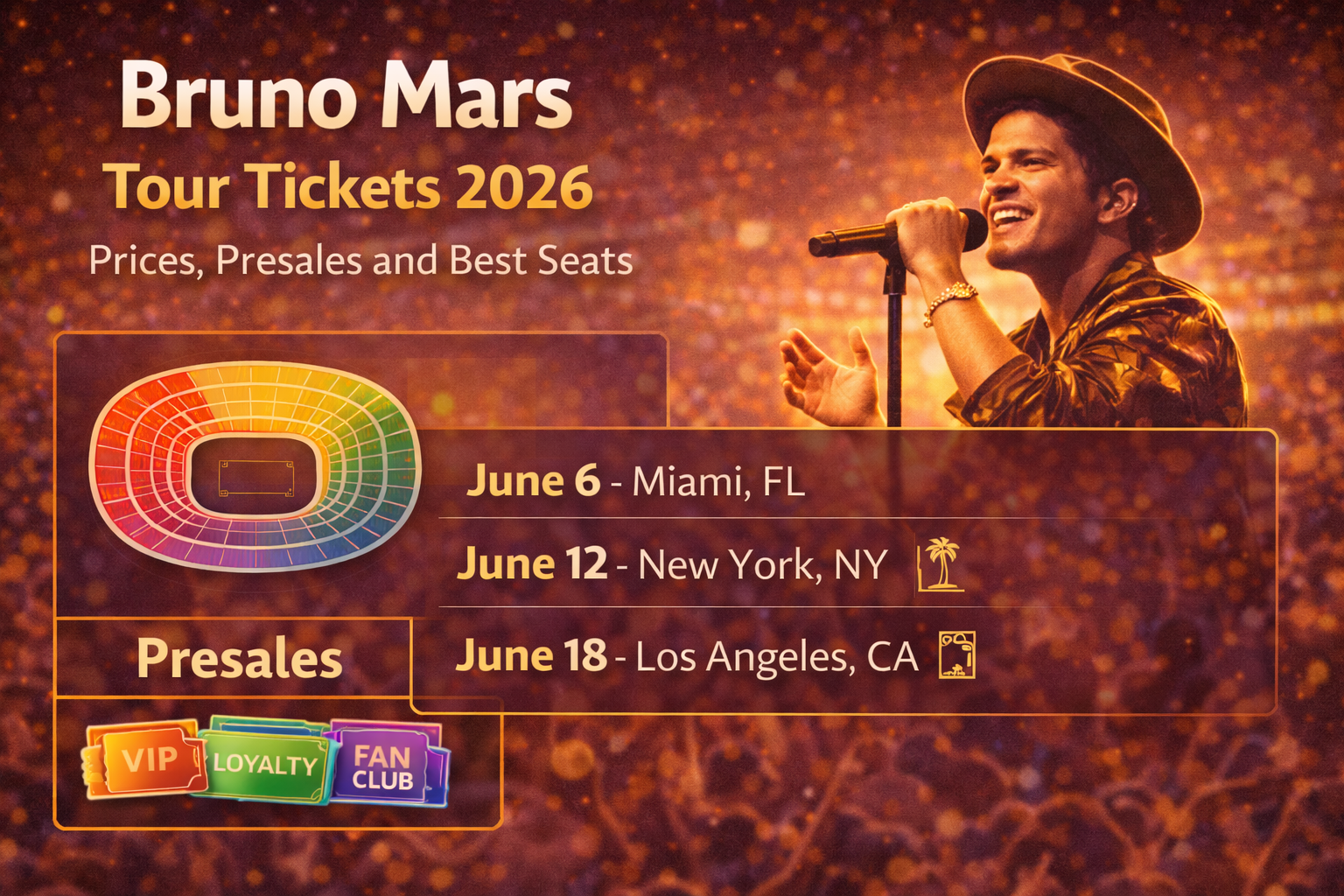
Bruno Mars Tour Tickets 2026: Prices, Presales and Best Seats
2026-03-14


Ticketmaster Verified Fan is often misunderstood as a guarantee that registered users will get tickets. It is not. The system is better understood as a demand-management and anti-bot process that limits access to a smaller group of registered accounts.
That distinction matters because buyers often enter a Verified Fan sale expecting certainty, then feel blindsided when they still face a queue, limited inventory, or a waitlist.
The typical flow looks like this:
Even if you receive access, tickets are still subject to availability and demand.
Registration is your application for access, not your ticket purchase. It helps the system determine which accounts are allowed into the sale path and which accounts remain outside it or on standby.
That means registration alone does not guarantee:
Waitlisting is usually a result of demand exceeding the number of accounts the sale can reasonably support. It does not automatically mean there is something wrong with your account.
If additional inventory or access space opens up, waitlisted fans may still be contacted later, but they should not assume that will happen.
Once access is tied to your account, you typically follow the designated link, sign in, and enter the queue. Ticketmaster’s help guidance for high-demand sales still applies here:
The biggest misunderstanding is that Verified Fan eliminates the queue. It does not.
There are a few common reasons:
The system can reduce bot noise without turning a sold-out market into an easy one.
Confirm your email, phone number, and payment method before the sale starts.
Do not enter a major presale still undecided about whether you want floor, lower bowl, or value seating.
Trying to outsmart the process with multiple browsers or devices can hurt more than help.
If your ideal section disappears, be ready to pivot to a nearby backup rather than freezing.
Avoid these common mistakes:
High-demand presales reward prepared buyers, not just invited buyers.
Usually yes, if the event is high demand and official registration is the main route into standard-price inventory. It does not remove all risk, but it often gives you a better path than arriving later in the public onsale or paying inflated resale prices immediately.
The key is to treat it as a chance, not a promise.
Ticketmaster Verified Fan Presale works as a filter and access-control system, not as a guarantee engine. Registration helps you compete in a more controlled pool, but you still need to handle the queue, choose seats quickly, and complete checkout cleanly.
Buyers who understand that early usually get better results because they prepare for the real sale instead of assuming the invitation solved the hard part.
When a ticket platform problem appears, buyers usually lose the most time by jumping between random fixes. Use a controlled checklist instead:
That process is usually safer than repeated clicks, constant refreshes, or switching between multiple devices.
Support moves faster when you can explain the issue precisely. Save the event name, venue, timestamp, screenshot of the message, and the last four digits of the payment method if billing is involved. If your bank shows a pending or posted charge, note the amount and time as well.
Precise documentation matters because many ticket-platform problems involve session state, order timing, or pending authorizations that are hard to reconstruct later.
The best long-term prevention is account hygiene. Keep one current payment method on file, sign in before the sale begins, avoid heavy privacy extensions during checkout, and use one browser session instead of several. Those habits will not eliminate every issue, but they remove many buyer-created problems that make platform failures harder to fix.
If the same platform error keeps appearing after one clean retry, repeated clicking usually lowers your odds instead of raising them. At that point, it is safer to check for order confirmation, document the issue, and switch to support or a later retry window. Controlled troubleshooting protects both your payment method and your account history.
If you are having trouble purchasing tickets online, comparing resale listings, or dealing with confusing checkout errors, our team at USA Tickets Exchange can help.
We regularly assist customers with finding available seats, navigating ticket marketplaces, and securing tickets for high-demand events.
If you would rather have a real person help you through the process, contact our team and we will guide you through booking your tickets safely.